How to Uninstall Stata on a Windows 10 Computer
This tech tip shows you how to uninstall Stata on a Windows 10 computer.
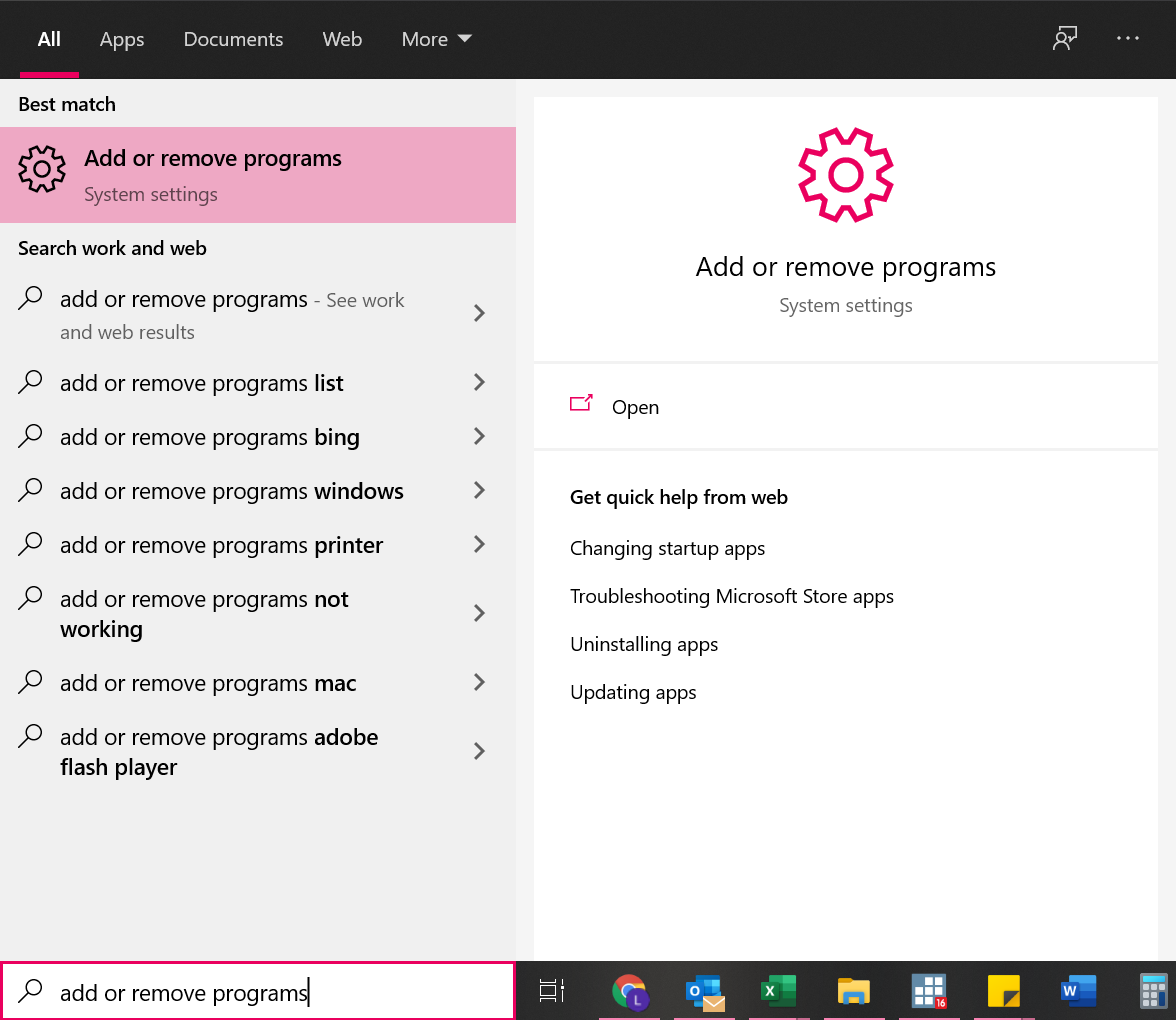
- Use your search bar to search for the “Add or remove programs” section of system settings. Click on “Add or remove programs” to open the appropriate section.
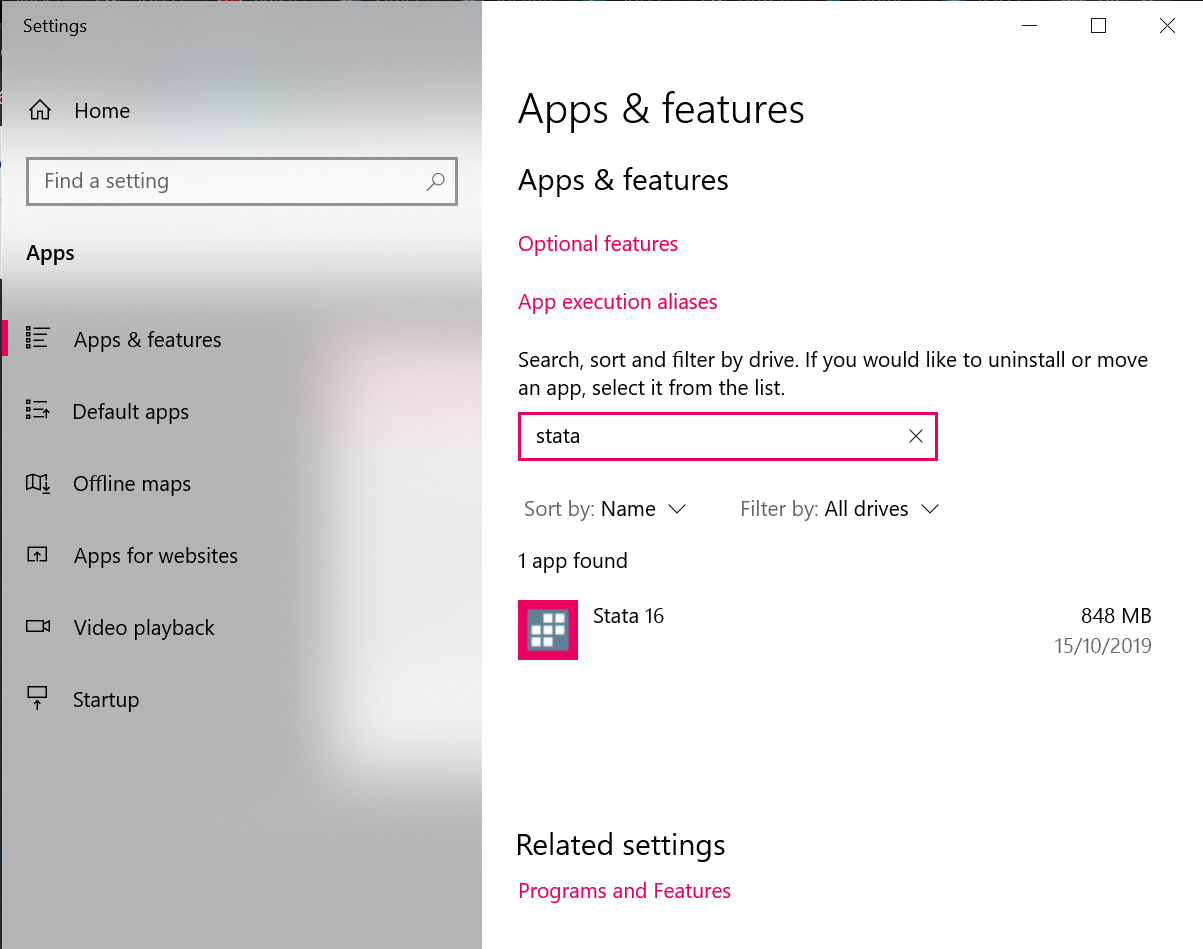
- Use the search bar to search for “Stata” to find any current installations of Stata.
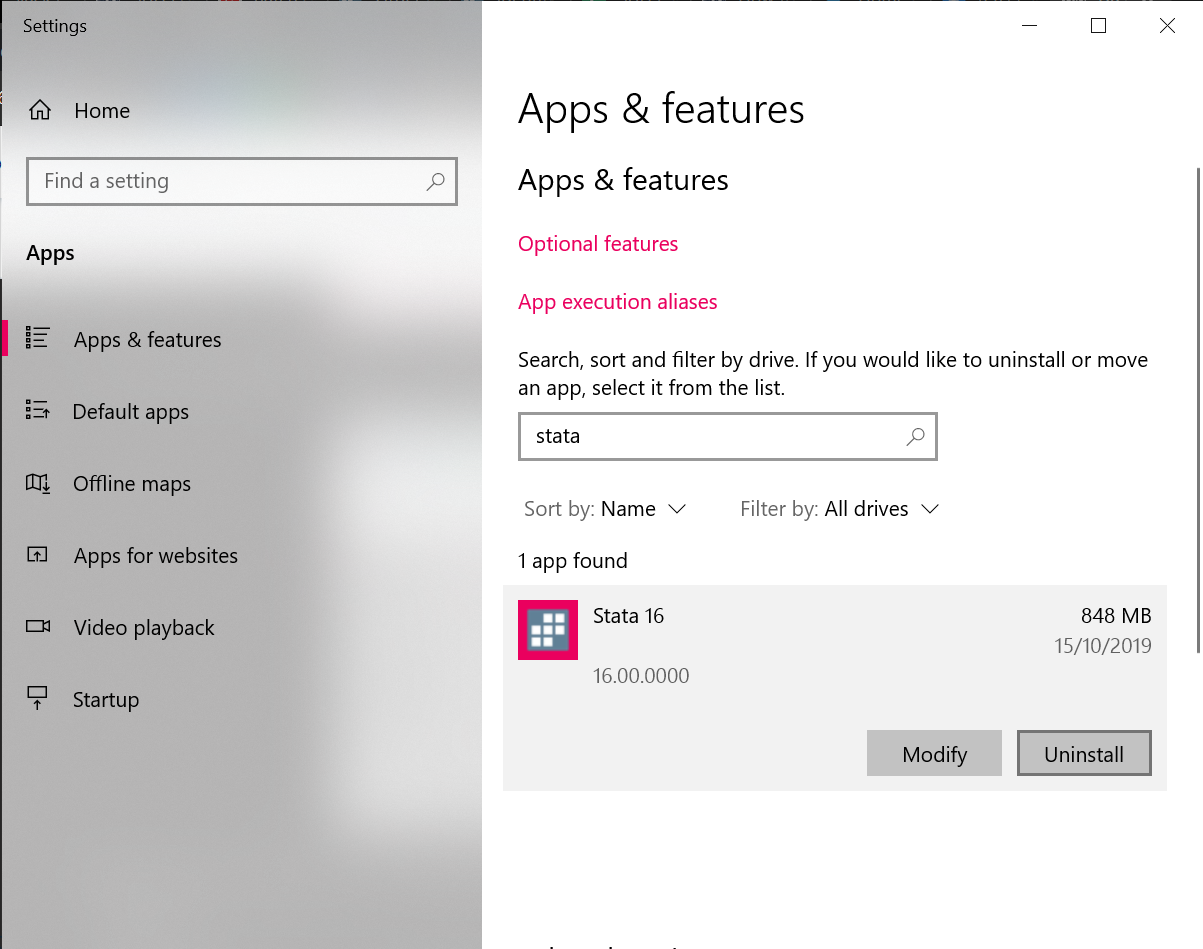
- Click on the Stata installation that you want to uninstall, and then click the “Uninstall” button.
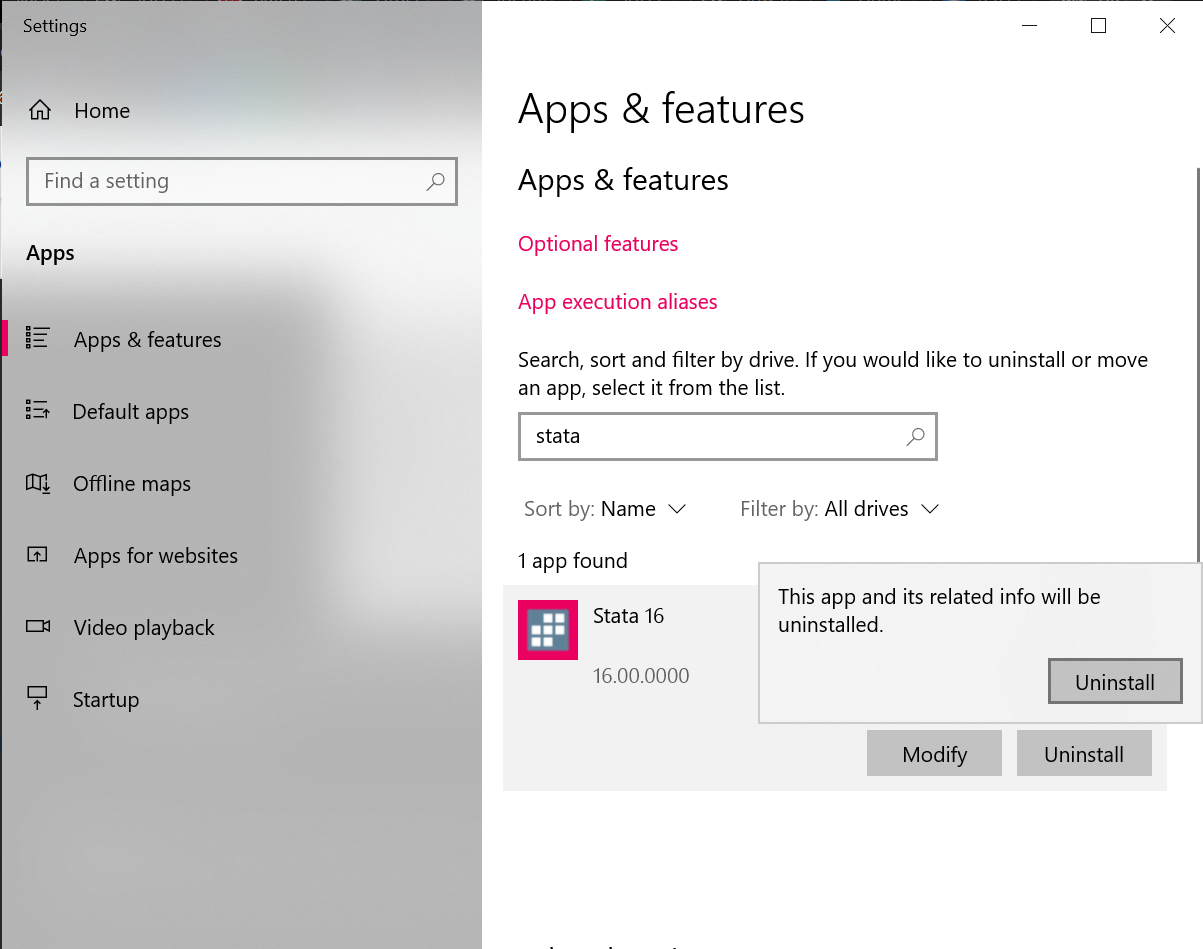
- Click on the second “Uninstall” button that pops up, to confirm you really want to uninstall the software.
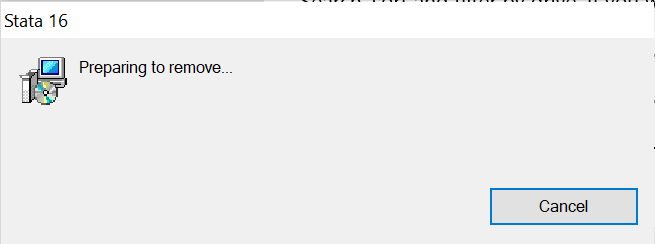
- Wait while the Stata software is uninstalled.
You should receive a confirmation message once the software has been successfully uninstalled. If you are having difficulty getting your Stata uninstalled, please call us in Australia on 02 6247 0177 Mon-Fri 9am-5pm AEST for assistance. If you are in New Zealand you can phone local number 09 889 2231 Mon-Fri 11am-7pm NZST.